Minas Maschen
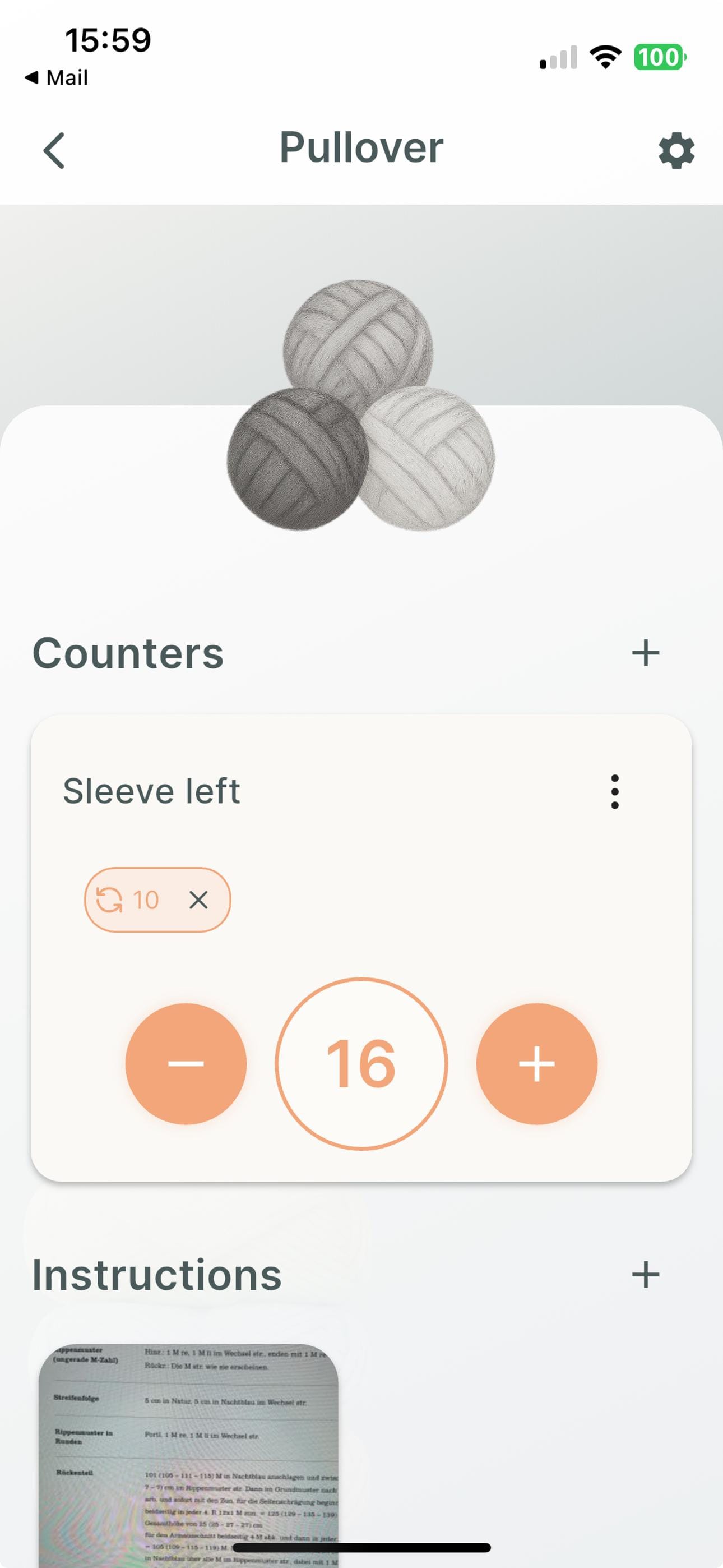
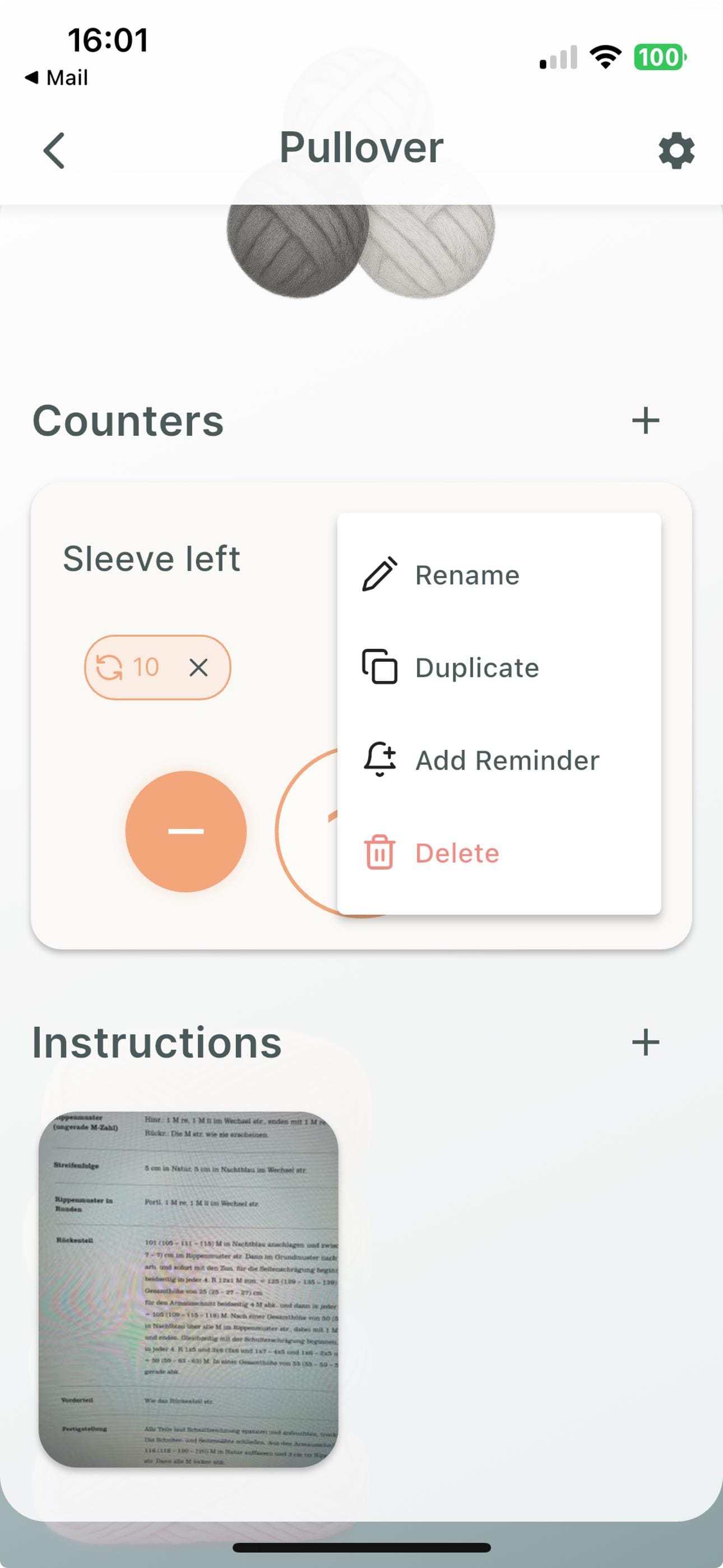
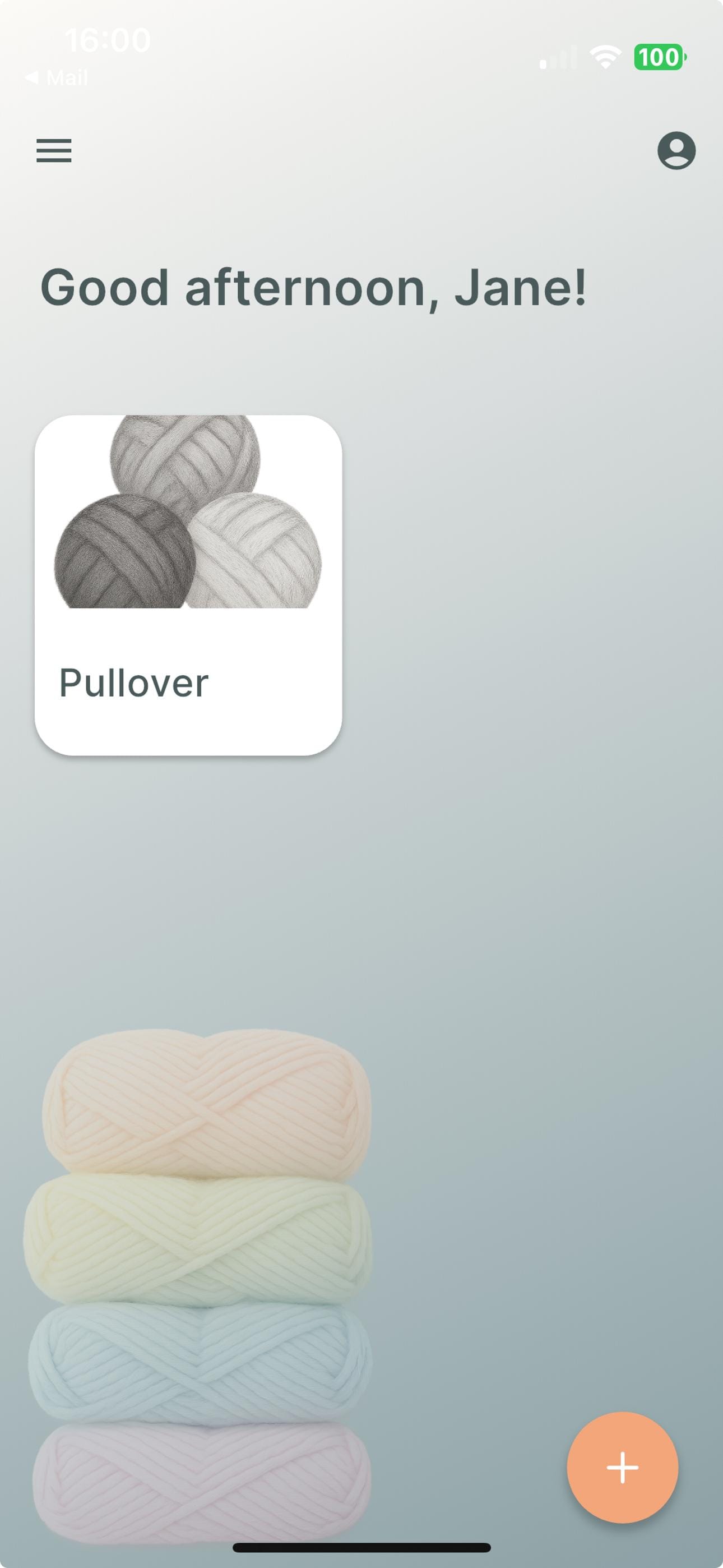
Most important screens
Minas Maschen helps you stay organized and focused on your knitting projects. Easily manage multiple projects, track progress with customizable counters, and never miss a stitch with smart reminders—whether one-time or repeating. Upload and view your instructions directly in the app for easy access anytime.
Creating A New Project
To create a new project, use the "+" button on the "Home" screen. Provide a name to make you find it again.
Adding A New Counter To A Project
- Find the project you want to add a new counter to on the "Home" screen and tap on the thumbnail to open it.
- Scroll to the "Counters" section, click the "+" button and give it a meaningful name, like "sleeve left".
A simple counter has been been created.
Adding A Reminder To A Counter
- Click the "three-dot" menu next to the counter you want to add a reminder to.
- Select "Add Reminder" from the menu.
- Add the text to show when the reminder goes off.
- Select between "one-time" and recurring reminder.
Depending on the type, fill out the missing information.
- For one-time reminders, fill in the goal at which the reminder is supposed to trigger. For example, filling in 25 will show the reminder after you have incremented the counter 25 times.
- For recurring reminders, select the frequency and how often you want the the reminder to repeat. For example, filling in a frequency of 5 and a repeart count of 4 will show the reminder 4 times.
Setting Or Resetting A Counter's Value
- Tap the circle in the center of a counter.
- Type the value you want the counter to have or tap "Reset to 0" for the value to be set to zero for you.
- Tap "Set" to confirm the choice and set the new value.